 printerqueue
Home › Video tutorials › Clear the print queue
How to fix a print job stuck in the queue for HP printers
This 2:10 video from HP Support demonstrates stopping Print Spooler, deleting stuck job files, and restarting an HP printer and Windows computer. Press play to watch it here — nothing loads from YouTube until you do — and use the written steps below to follow along at your own pace.
When to watch this video
Watch this if cancelling jobs one by one doesn’t work and the whole queue is stuck.
It's filed under clear the print queue and hp printer queue in our printer queue video tutorials, where you can pick a problem and see only the videos for it.
The steps in short
The exact clicks in the video may differ a little from yours, but the fix comes down to these steps:
- Run services.msc and stop Print Spooler.
- Delete the files in C:\Windows\System32\spool\PRINTERS.
- Start Print Spooler again.
If the steps don't match your screen
A video is recorded on one computer with one printer. Windows 11 and Windows 10 put printer settings in different places, macOS changes them between versions, and printer makers add their own apps on top. If a menu in the video isn't where you expect it, don't guess — the written clear print queue guide covers each version step by step, with screenshots and what to do when the usual fix doesn't work.
Video details
| Channel | HP Support |
|---|---|
| Length | 2:10 |
| Uploaded | 2016 |
| Problem | Clear the print queue, HP printer queue |
| On YouTube | youtube.com/watch?v=y5RMT1cpnw4 |
Other videos for this problem
-
 4:33 Fix print jobs stuck in the print queue in Windows for HP printers Print jobs pending
 -
 2:37 How to fix print job stuck Windows 11 Cancel a print job
 -
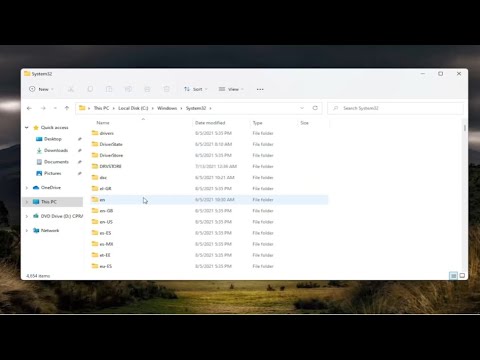 2:25 How to Clear the Printer Queue/Spooler In Windows 11 Clear the print queue
 -
 1:03 How to Clear the Print Queue in Windows 11 Clear the print queue
 -
 4:17 Fix print jobs stuck in the print queue in macOS for HP printers Mac printer queue
 -
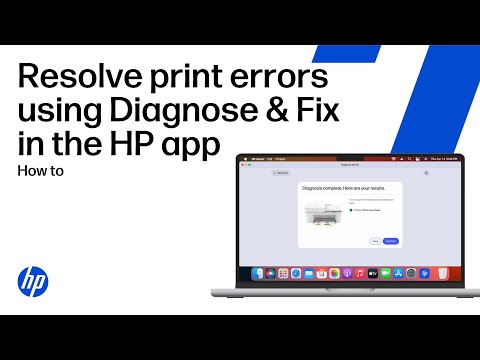 1:32 Resolve common print errors using the Diagnose & Fix tool in the HP app HP printer queue